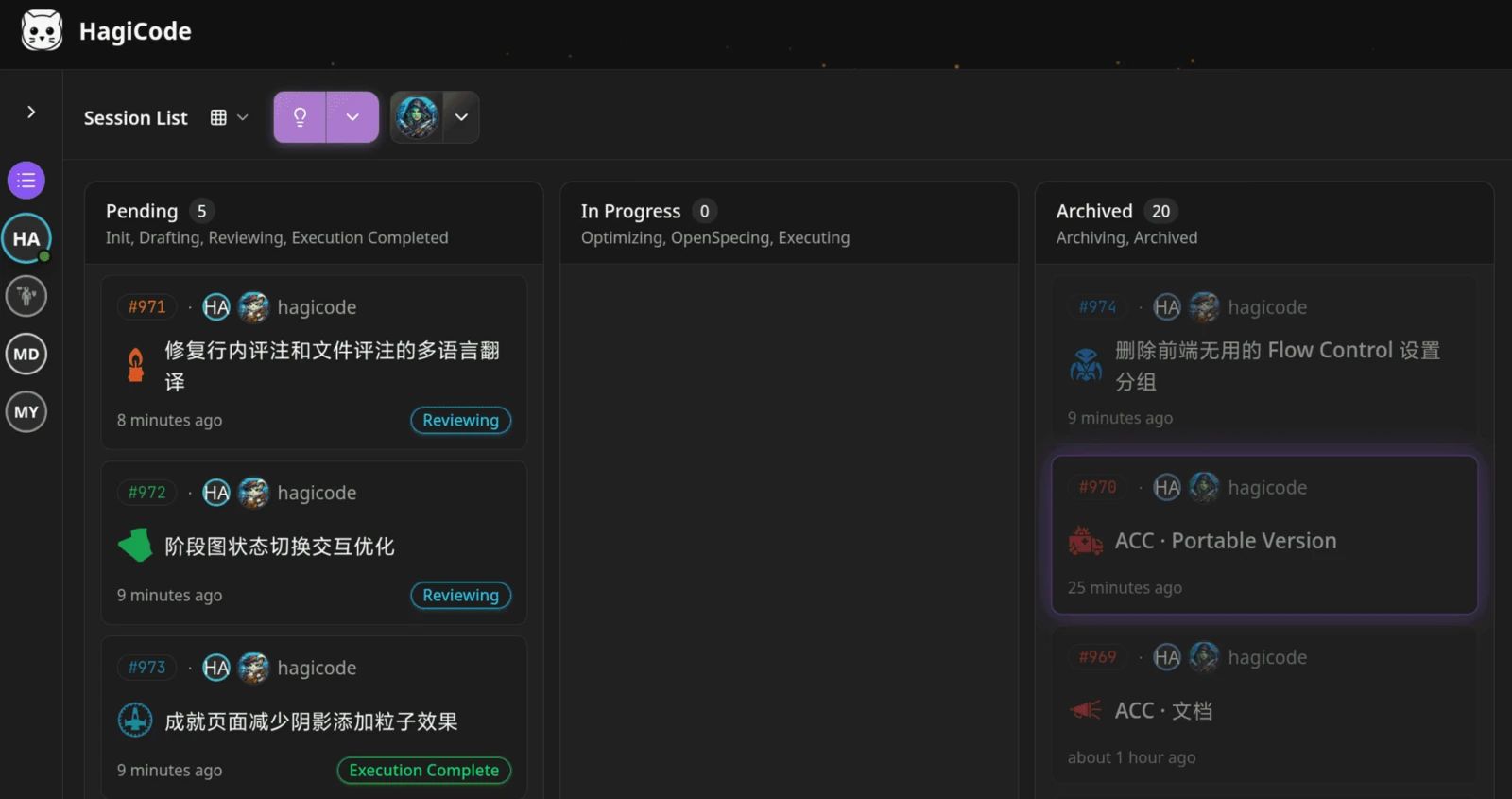
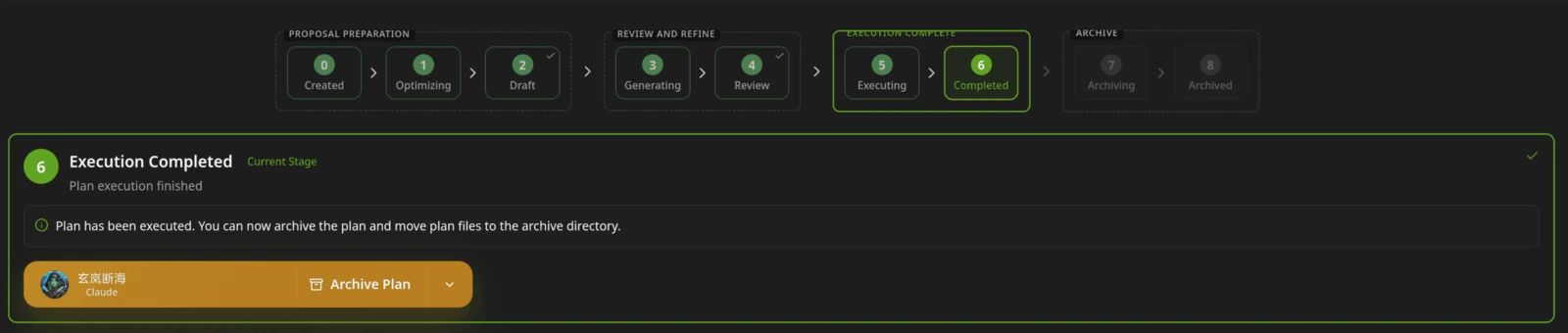
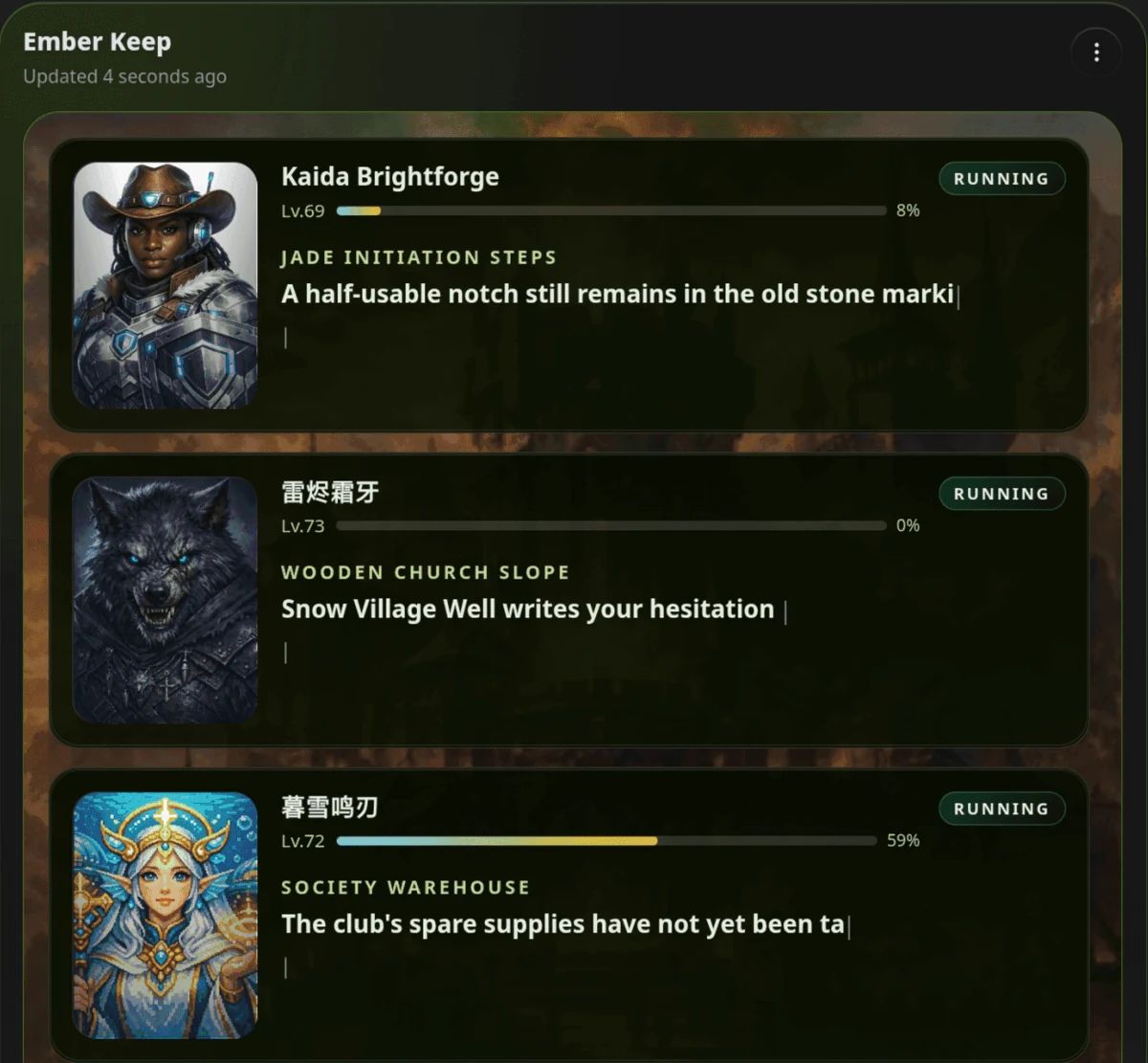
DeepSeek Harness (dsh) is DeepSeek AI's open-source agent harness, still in developer preview, and HagiCode is a workbench that runs dsh as one of its executors. Use dsh alone to try its plugin-based harness or script it; add HagiCode for parallel sessions, proposals and managed commits around it.
- Is DeepSeek Harness (dsh) free?
- dsh is MIT-licensed and free to run. You pay your model provider, for example through a DeepSeek API key; see the provider's pricing page for rates.
- How do I install dsh?
- The official README runs it with
npx @deepseek-ai/dsh web, which starts a Web UI at http://127.0.0.1:3080, and needs Node.js 22.19+ or 24+. For HagiCode, install it globally with npm install -g @deepseek-ai/dsh so dsh is on your PATH. - Is dsh ready for production?
- No, by its own statement. The README says dsh is a developer preview with compatibility-breaking changes, and SAFETY.md says it is experimental, unaudited and not production-ready.
- Can I use dsh with HagiCode?
- Yes. HagiCode starts dsh in its ACP profile, passes the provider and model you choose, and checks that
dsh --help identifies DeepSeek Harness. Install dsh and configure a model first. - Does HagiCode replace dsh?
- No. dsh is the executor; HagiCode is the workbench around it, and you can still run dsh directly.
- dsh vs HagiCode: which should I pick?
- Pick dsh alone to explore the harness, write plugins or script one-shot tasks. Add HagiCode when dsh is one of several agents and you want parallel sessions, proposals and managed commits.