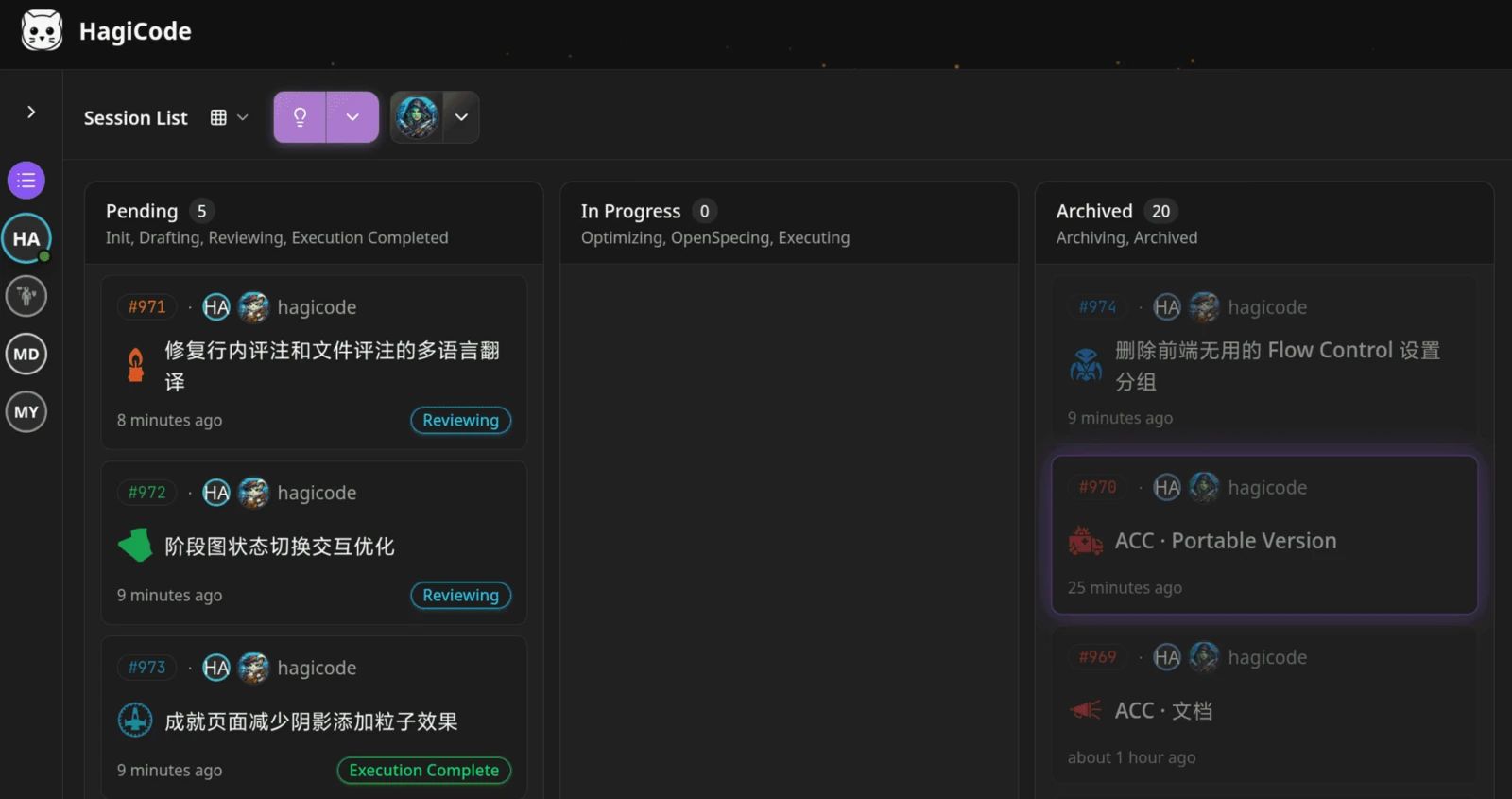
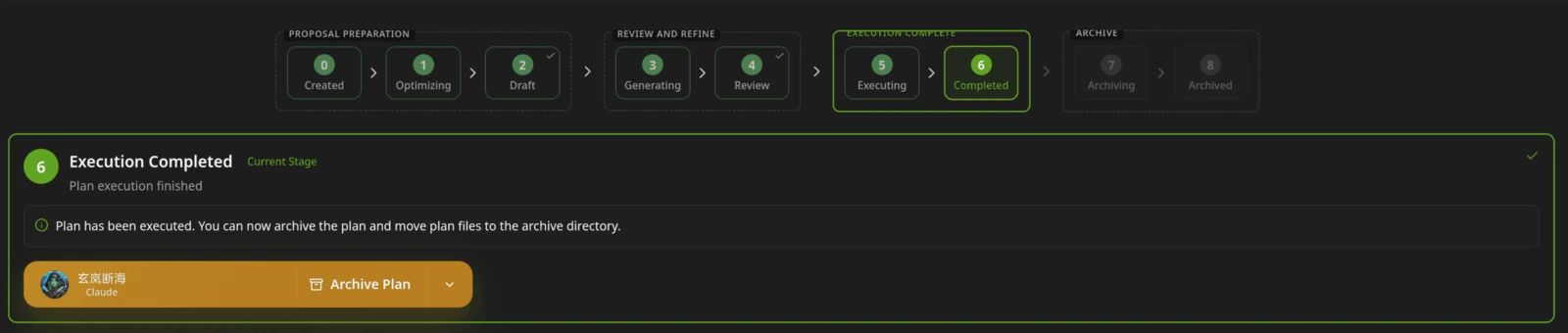
Junie CLI is JetBrains' terminal coding agent, and HagiCode is a desktop and web workbench that runs Junie as its executor. Stay with Junie alone for terminal, IDE and CI work; add HagiCode when you want parallel sessions, spec proposals and managed commits around it.
- Is Junie CLI free?
- The Junie CLI itself runs on a JetBrains subscription plan (a free Junie Lite model is included with a JetBrains account), a usage-billed Junie API key, or your own provider keys billed at provider rates. See the pricing page at junie.jetbrains.com for current plans.
- How do I install Junie CLI?
- On macOS or Linux run
curl -fsSL https://junie.jetbrains.com/install.sh | bash, then cd into your project and run junie. Windows uses a PowerShell installer listed on the Junie docs page; Homebrew and npm (@jetbrains/junie) are alternatives in the repository README. - Can I use Junie CLI with HagiCode?
- Yes. Install and sign in to Junie first, then choose Junie as the Agent CLI in HagiCode. HagiCode runs it over ACP and never asks for Junie credentials.
- Does HagiCode replace Junie CLI?
- No. HagiCode is a workbench around the CLI; Junie still writes the code, and you can run it directly at any time.
- Is Junie CLI still in beta?
- JetBrains announced Junie CLI as a beta in March 2026. The current docs do not state a status, so check junie.jetbrains.com for the latest.
- Junie CLI vs HagiCode: which should I pick?
- Use Junie alone for CI, terminal and IDE work on one task at a time. Add HagiCode when you run several tasks or repositories and want proposals, commits and Agents managed in one place.